Anphase case studyDigital signage
Mwenje
Mwenje turns any screen into scheduled signage, with schedules written in plain words, fast updates and playback that survives network drops.
The problem
Signage for a cafe menu or a lobby wall is often a slideshow on a USB stick or a system built for large chains. Changing what plays when, or fixing a price before lunch, can take longer than it should, and a dropped connection can leave a screen blank.
Who it is for
Mwenje is for cafes, shops and offices that want to put content on screens they already own and change it quickly.
The approach
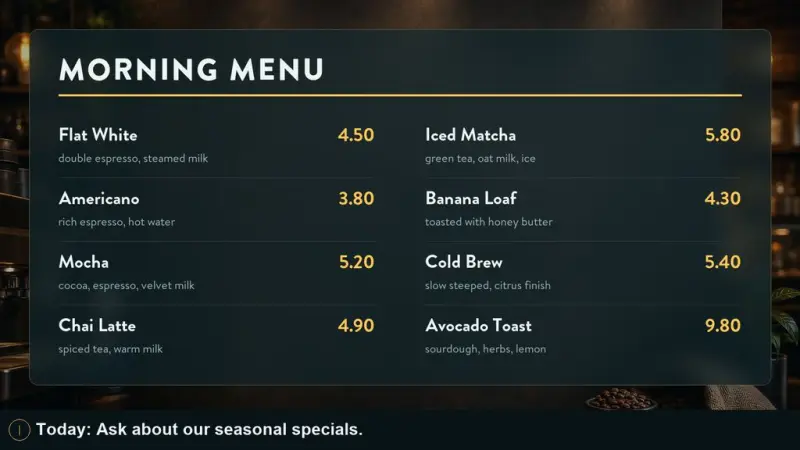
In Mwenje you build layouts from presets for menus, promotions, calendars and welcome walls, then describe when each should play in plain words. Mwenje shows the schedule it understood so you can check it before publishing.
Updates reach screens in about a second, from the console or a phone. While Mwenje is in testing, access is by request through its early-access page. Each screen keeps a local copy of its content and schedule, keeps playing when the network drops and reports what it played once it reconnects.
Key features
Plain-language schedules
Write when content should air and review the result before it goes live.
Fast updates
Changes reach screens in about a second.
Offline-first playback
Screens keep playing through a dropped connection.
Proof of play
Screens report what they played after reconnecting.
Status and platforms
- Status
- In testing
- Platforms
- Android, iOS, Linux, macOS, Windows
- Website
- mwenje.com